Architecture Diagrams Are Not Documentation
A useful architecture record goes beyond boxes and arrows. Learn what to document so teams understand decisions, risks, failures, and ownership.
- AWS
- Architecture
- Documentation
- Cloud Architecture
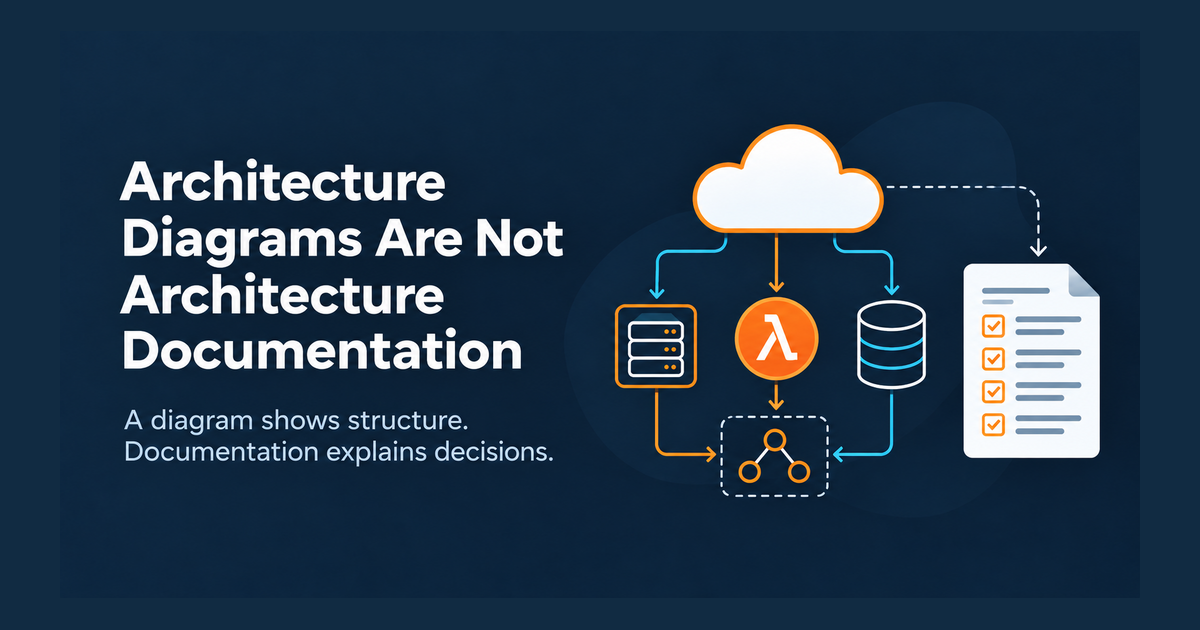
Architecture Diagrams Are Not Architecture Documentation
An architecture diagram is useful, but it is only a view of a system. If the diagram is the documentation, important questions remain unanswered: why the design exists, which assumptions shaped it, what happens when something fails, and who is responsible for keeping it healthy.
Good architecture documentation gives the diagram context. It lets someone understand not only what is deployed, but how the system is expected to behave and evolve.
A diagram tells you what exists
Consider a typical AWS diagram: CloudFront in front of an Application Load Balancer, ECS services in private subnets, Aurora for relational data, and SQS for asynchronous work.
That view can communicate components, connections, network boundaries, and perhaps data flow. What it usually cannot tell you is why ECS was chosen instead of Lambda, whether SQS messages must be processed in order, what the recovery target is for Aurora, or what happens if a downstream dependency is unavailable.
Those details are architecture too.
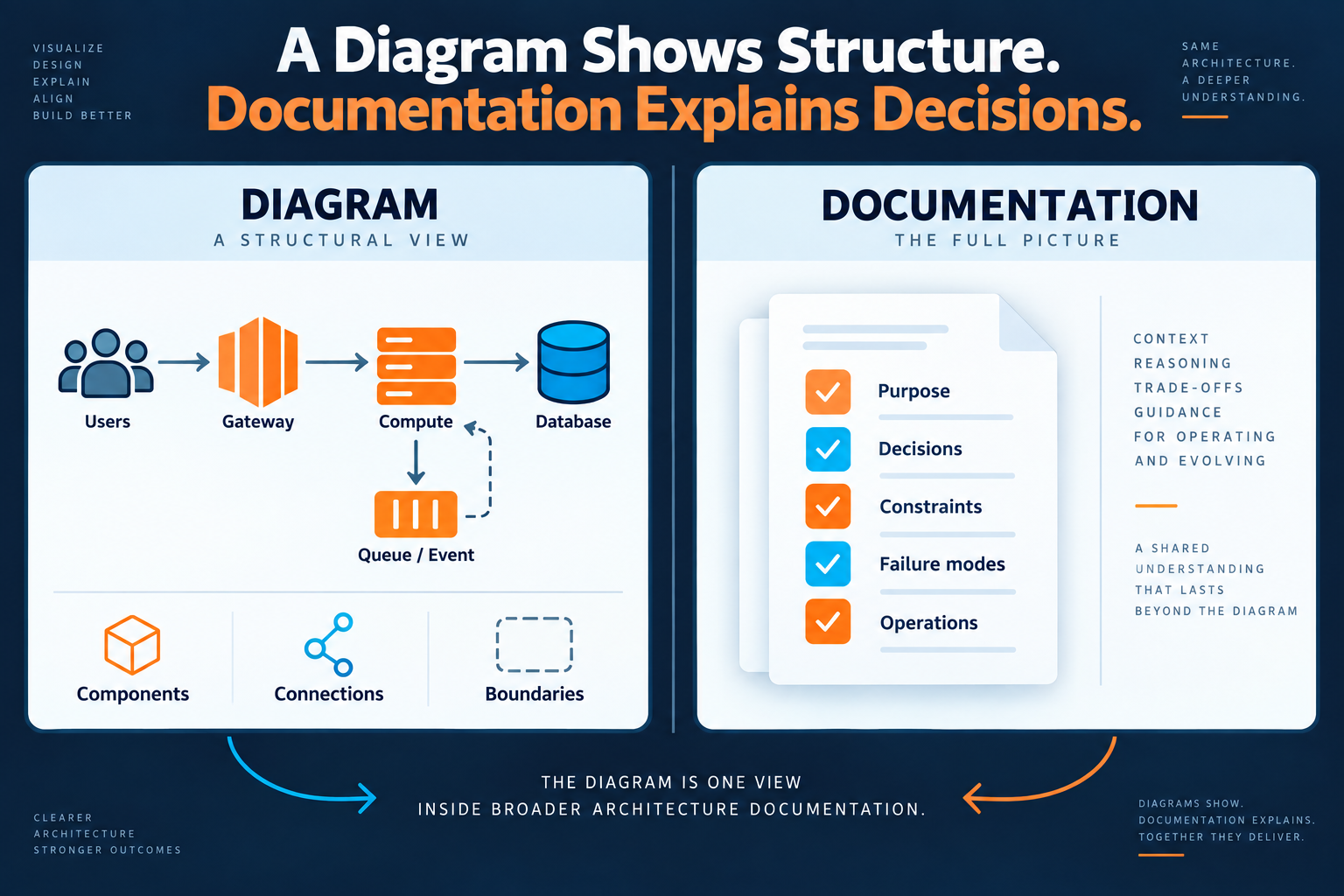
The distinction is simple: a diagram describes structure. Documentation preserves the reasoning and operating model behind that structure.
What useful architecture documentation should contain
You do not need a 70-page document. For many systems, a small set of maintained artifacts is more useful than a large document nobody trusts.
- System context. State the system's purpose, users, external dependencies, major boundaries, and important business or technical constraints.
- Architecture views. Keep diagrams focused. A context view, runtime/component view, data-flow view, and security or trust-boundary view answer different questions. Do not force everything into one picture.
- Architecture decisions. Record significant choices using short Architecture Decision Records (ADRs): the problem, options considered, decision, consequences, and status.
- Operational reality. Document expected failure modes, scaling constraints, observability, backups, recovery expectations, and important runbooks.
- Ownership and currency. Identify an owner, source of truth, and review trigger. Documentation without ownership eventually becomes historical evidence rather than operational guidance.

A practical workflow
Start with the system rather than with a documentation template.
First, create a high-level context diagram that shows the system boundary, users, and external systems. Then add only the architecture views required to explain meaningful behavior: request paths, asynchronous processing, data movement, or trust boundaries.
Next, attach decisions to the architecture. If a queue exists because an external API is unreliable, say so. If Aurora is used because the workload requires relational transactions, capture that reasoning. The reason will often be more valuable six months later than the database icon.
Then document how the design behaves under stress and failure. Ask concrete questions: What retries? What can be duplicated? Where does backpressure occur? What alarms matter? What is restored after a regional or data failure?
Finally, review documentation when the architecture changes, not simply once per quarter. A pull request that changes a major integration, persistence model, network boundary, or resilience strategy is a natural documentation trigger.
Example: the missing reason behind an SQS queue
Imagine a diagram showing API Gateway → Lambda → SQS → Lambda → third-party API.
The boxes and arrows look straightforward. A developer replacing the queue with a direct synchronous call might even see it as simplification.
The missing documentation changes the picture: the third-party API has intermittent failures; requests must be accepted even during an outage; duplicate delivery is possible; the consumer is designed to be idempotent; failed messages eventually move to a dead-letter queue for investigation.
Now SQS is not just a box. Its architectural purpose, failure semantics, and operational consequences are clear.
Trade-offs and common mistakes
More documentation is not automatically better. Detailed documents create maintenance cost, and information that changes frequently can become stale quickly. Document stable intent and important decisions; generate resource inventories and other rapidly changing facts from the environment where practical.
A common mistake is one enormous diagram containing every subnet, IAM role, queue, function, and data store. It may be technically accurate while being difficult to use. Prefer multiple views, each designed to answer a specific question.
Another mistake is documenting only the intended design. Architecture documentation should acknowledge operational constraints and known weaknesses. A current limitation recorded honestly is more useful than a clean diagram that implies it does not exist.
The practical takeaway
Keep the diagram, but stop asking it to carry the whole architecture. Pair visual structure with decisions, constraints, failure behavior, operational expectations, and ownership so the next engineer can understand both what the system is and why it became that way.
For an AWS environment that also needs a current view of what is actually deployed, ArchNube.com provides a complementary approach. Archnube Assess connects through a narrow, customer-controlled read-only IAM role, discovers supported AWS resources, and applies deterministic rules to produce explainable findings about architectural risks, weaknesses, and inefficiencies—without write access or black-box AI judgment.
Related Insights
- AWS
- Architecture
Common AWS Architecture Risks That Are Easy to Miss
A practical AWS architecture review of failure paths, scaling limits, access boundaries, recovery gaps, and cost risks that teams often overlook.
- AWS
- Architecture
Your AWS Architecture Changed. Would You Know?
Learn a practical way to detect AWS architecture drift, compare resource snapshots, trace changes, and review the ones that actually affect risk.
- AWS
- Architecture
AWS Architecture Review Checklist Before Production
A practical AWS architecture review checklist for security, resilience, scaling, observability, recovery, and cost before a workload reaches production.