The First 10 Things I Review in an Existing AWS Account
A practical 10-point AWS account review covering identity, networking, resilience, observability, operations, and cost before making changes.
- AWS
- Architecture
- Cloud Security
- Well Architected
The First 10 Things I Review in an Existing AWS Account
Taking over an existing AWS account is rarely a documentation exercise. The useful question is whether the environment you actually have matches the architecture the team thinks it has.
Before proposing changes, I want a fast map of access, exposure, failure modes, recovery, observability, and cost. These ten checks give me that baseline.
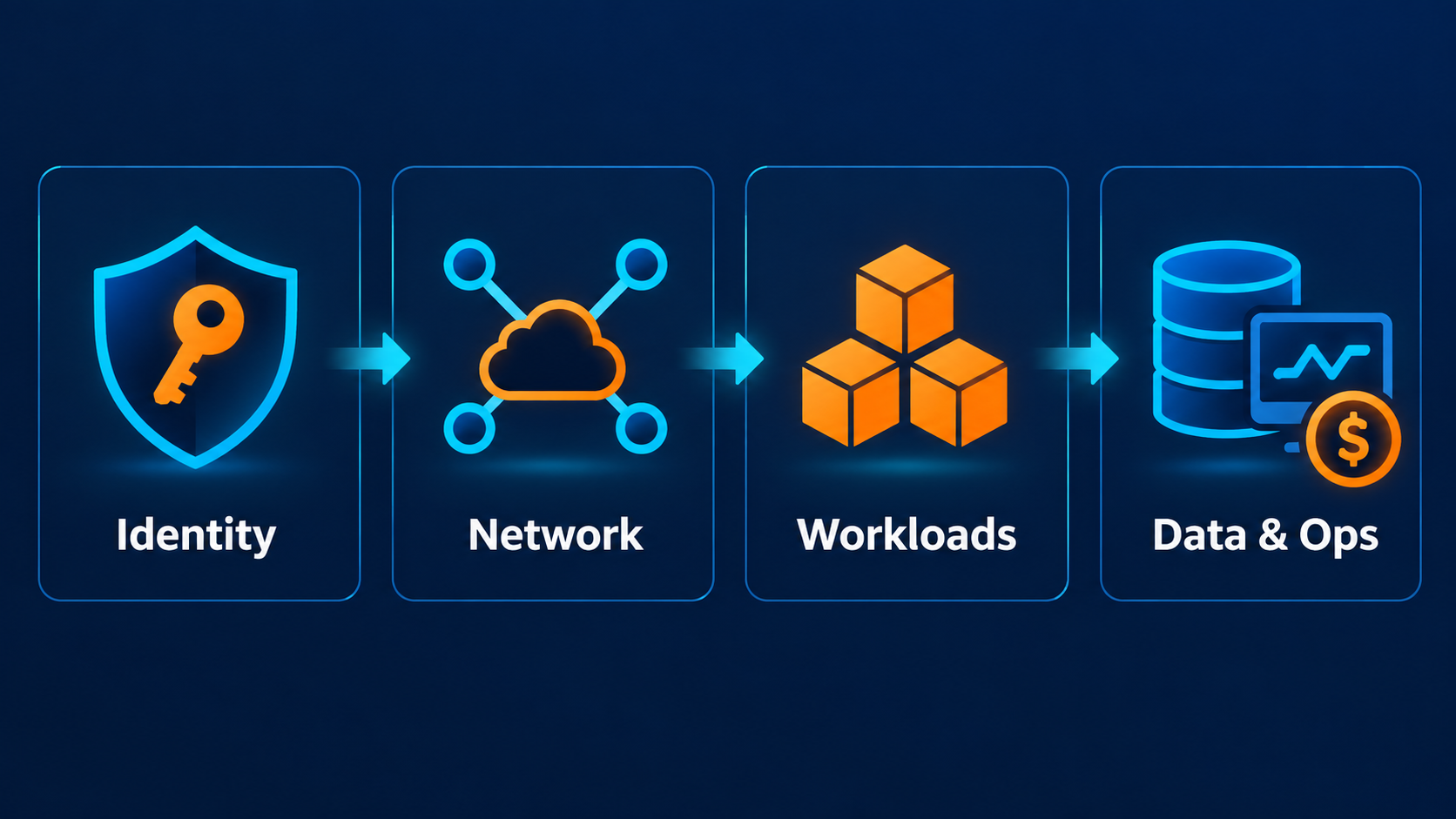
1. Identity and privileged access
Start with IAM. I look for how humans authenticate, where long-lived access keys exist, which roles carry broad permissions, and whether workloads are using roles instead of embedded credentials.
The root user deserves its own check: how it is protected and whether it is used for normal work. I also look for wildcard permissions and unclear trust policies.
2. Account and organization structure
Next, establish the administrative boundary. Is this standalone or part of AWS Organizations? Which accounts separate production, non-production, security, and shared services? What Service Control Policies (SCPs) apply? A setting that looks local may actually be governed centrally.
3. Audit trail and configuration visibility
Check whether API activity and resource configuration changes can be reconstructed. CloudTrail provides activity history; AWS Config can track supported resource configurations and changes. Also check where logs go, who can modify them, and how long they are retained.
4. Network boundaries
Map VPCs, subnets, route tables, gateways, endpoints, security groups, and network ACLs. Then ask the simpler question: what can talk to what? Pay attention to 0.0.0.0/0 ingress on sensitive ports and databases reachable from places that do not need access.
5. Public entry points
List everything intentionally reachable from the internet: CloudFront distributions, load balancers, API Gateway APIs, public IPs, and public storage or database endpoints. The goal is not “no public resources.” It is deliberate, minimal exposure protected at the correct layer.
6. Compute and runtime behavior
Inspect the compute actually in use. Look at runtime versions, scaling behavior, patching responsibility, timeouts, concurrency controls, and dependency paths. For Lambda, ask whether rapid concurrency growth can overwhelm a downstream database or third-party API.
7. Data protection and recovery
For stateful services, review encryption, backups, retention, versioning or point-in-time recovery where relevant, and deletion protection. Do not stop at “backups enabled.” Ask what must be restored, to what point, in how much time, and whether recovery has been exercised.
8. Asynchronous failure paths
Review SQS visibility timeouts, dead-letter queues, retry policies, Lambda destinations, EventBridge targets, and idempotency assumptions.
If a worker can run longer than an SQS message's visibility timeout, the same message may become visible again while the first processing attempt is still running.
9. Observability and operational signals
Check CloudWatch alarms, dashboards, log groups, retention, and application-level errors. Can the team answer: Is the service healthy? What changed? Where is it failing? Alarms should represent conditions somebody can act on, not every metric AWS exposes.
10. Cost architecture
Finally, look at where the money goes and whether the architecture explains it. Review major service costs, idle resources, NAT gateway usage, unattached storage or IP resources, log ingestion, data transfer, and tagging quality. Surprising cost can reveal unexpected traffic paths or forgotten resources.
A realistic first pass
Imagine inheriting a small serverless SaaS account. The diagram says API Gateway, Lambda, SQS, and Aurora. The review shows something more useful: one Lambda can scale against Aurora without a concurrency guard, an SQS visibility timeout is shorter than worst-case processing time, a security group exposes a database port broadly, and several log groups retain data indefinitely.
None of those findings alone describes the whole architecture. Together they tell you where to investigate first: exposure, failure behavior, database protection, and operational cost.
Trade-offs and common mistakes
The biggest mistake is turning this into a compliance checklist. A broad security group may be a serious exposure or a controlled temporary exception; a missing dead-letter queue may be poor design or irrelevant for a synchronous invocation path. Context changes severity.
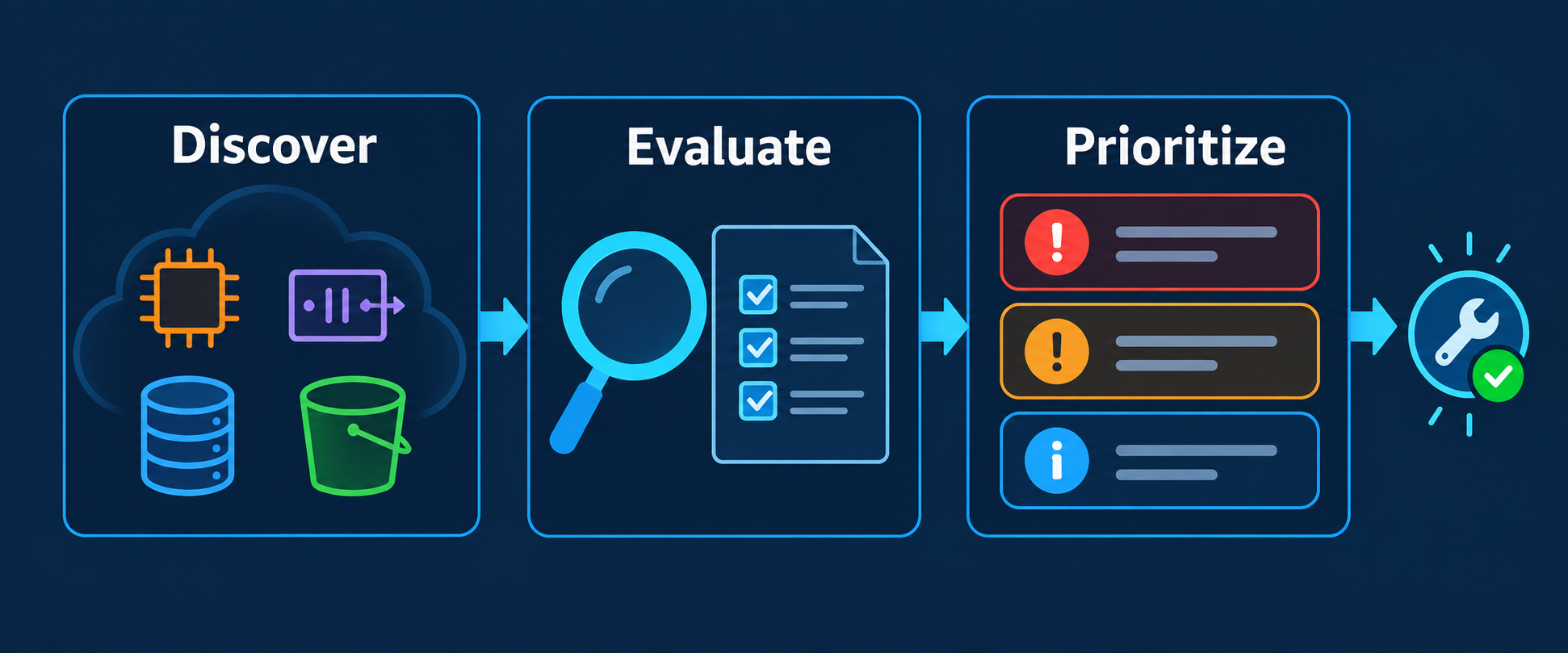
The second mistake is changing resources while still discovering them. Start read-only, record evidence, confirm intent, then prioritize remediation. Automated rules can find candidates, but they still need architectural context.
Build the baseline before redesigning
A good AWS account review should leave you with three things: a trustworthy inventory, a short list of explainable risks, and a prioritized set of questions for the team. That is enough to move from “we should improve this account” to specific architectural decisions.
If producing that baseline manually is taking too long, ArchNube.com is built around this problem. Archnube Assess connects through a narrow, read-only, customer-controlled IAM role, discovers supported AWS resources, and applies deterministic rules to produce explainable findings—without write access or black-box AI judgment. Use the findings as a starting point for architectural review, then apply the business context only your team has.
Related Insights
- AWS
- Architecture
Common AWS Architecture Risks That Are Easy to Miss
A practical AWS architecture review of failure paths, scaling limits, access boundaries, recovery gaps, and cost risks that teams often overlook.
- AWS
- Architecture
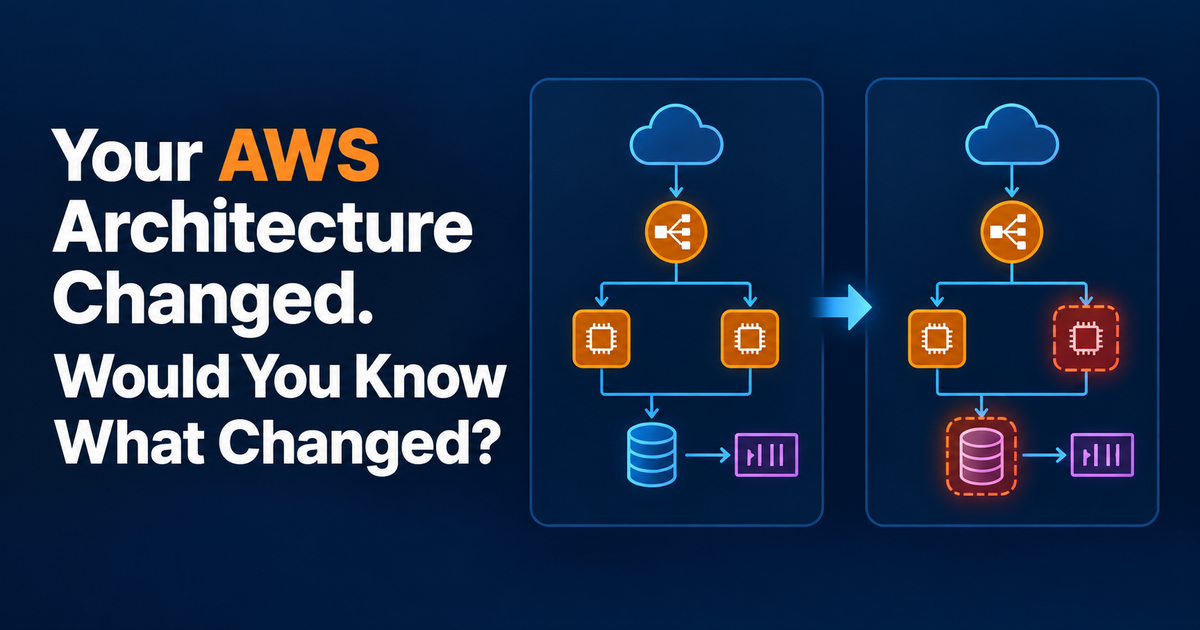
Your AWS Architecture Changed. Would You Know?
Learn a practical way to detect AWS architecture drift, compare resource snapshots, trace changes, and review the ones that actually affect risk.
- AWS
- Architecture
AWS Architecture Review Checklist Before Production
A practical AWS architecture review checklist for security, resilience, scaling, observability, recovery, and cost before a workload reaches production.